Free tool
Open Graph image generator
Type a title, copy the URL, paste it into your meta tags. The image is generated on request, so there is nothing to upload and nothing to regenerate when the title changes.
No signup, no watermark, no rate limit worth mentioning. We built it for our own sites and left it open.
Badges show only when there is no author, so a card is either a byline or a chip row rather than both. Leave the author blank and add comma-separated badges to see them.
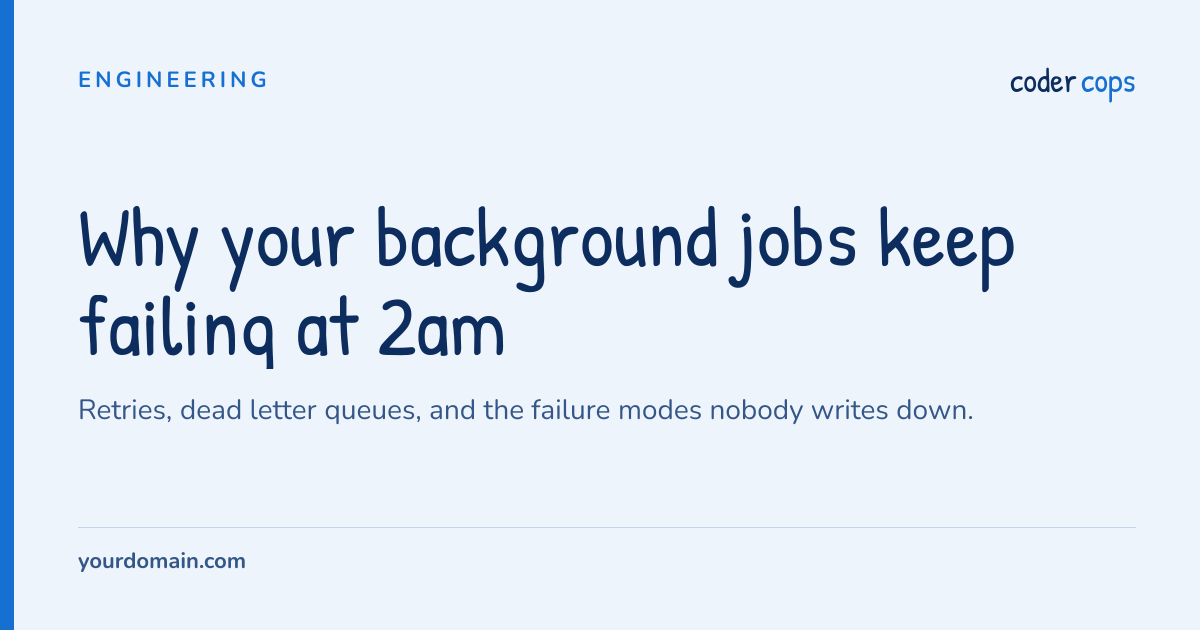
Preview — 1200×630, rendered by the same endpoint
https://agency.codercops.com/og/card.png?title=Why+your+background+jobs+keep+failing+at+2am&description=Retries%2C+dead+letter+queues%2C+and+the+failure+modes+nobody+writes+down.&eyebrow=Engineering&site=yourdomain.com&theme=blue<meta property="og:image" content="https://agency.codercops.com/og/card.png?title=Why+your+background+jobs+keep+failing+at+2am&description=Retries%2C+dead+letter+queues%2C+and+the+failure+modes+nobody+writes+down.&eyebrow=Engineering&site=yourdomain.com&theme=blue" />
<meta name="twitter:card" content="summary_large_image" />How to use it
Copy the image URL and put it in og:image.
The image renders when a crawler asks for it, so a page whose title
changes gets a new card without anyone regenerating anything. Point
the URL at your own title parameters per page and you have covered a
whole site.
Why the preview is an image
The preview above is not a mock-up. It is an <img>
pointed at the same endpoint the copied URL uses, so what you see is
what a crawler gets. A canvas reimplementation would drift from the
server the first time either changed, and then the preview would be
confidently wrong.
Long titles
The title picks its own size so a long one wraps instead of printing over the footer, and the description is cut at a word boundary rather than mid-word. Both exist because the original card was a fixed 90px and anything past about sixty characters overlapped everything below it.